
Download SSuite Kronoz Sync-Master – File Synchronization, Backup, Folder Sync Tool
Overview
SSuite Kronoz Sync-Master is a dedicated file synchronization and backup utility designed to streamline digital file management across multiple folders. The application focuses on preserving the original folder structure during file transfers, ensuring that backups and sync operations maintain data integrity. Its primary purpose is to eliminate the complexity often associated with file duplication and synchronization, offering a straightforward solution for users seeking reliable data organization. This tool is particularly beneficial for individuals managing large volumes of documents, media, or project files across multiple devices or storage locations.
Target users include both novice and experienced computer users who require a dependable method for backing up data or synchronizing folders without technical overhead. The application addresses common pain points such as accidental file deletion, outdated backups, or disorganized file hierarchies by automating the process of maintaining consistent folder states. Real-world use cases range from personal photo backups to professional project file management, where consistent data alignment is crucial.
Developed by SSuite, the application has been available since its release on July 31, 2018. Although the developer did not provide additional technical details, the app’s consistent focus on usability and functionality suggests a targeted approach to solving persistent file management challenges. In the broader software ecosystem, SSuite Kronoz Sync-Master fills a niche for lightweight, no-frills synchronization tools that prioritize clarity and reliability over complex features.
Key Features & Functionality
SSuite Kronoz Sync-Master delivers a focused set of functionalities tailored to efficient file synchronization and backup. The core strength lies in its ability to maintain the original folder hierarchy during transfers, which is essential for preserving logical data organization. This ensures that when files are copied or synchronized, their placement within directories remains consistent, reducing the risk of misplacement or confusion.
- User-Friendly Interface: The interface is designed to be intuitive, allowing users to navigate through options without prior technical experience. Even those unfamiliar with synchronization tools can operate the software effectively, minimizing the learning curve.
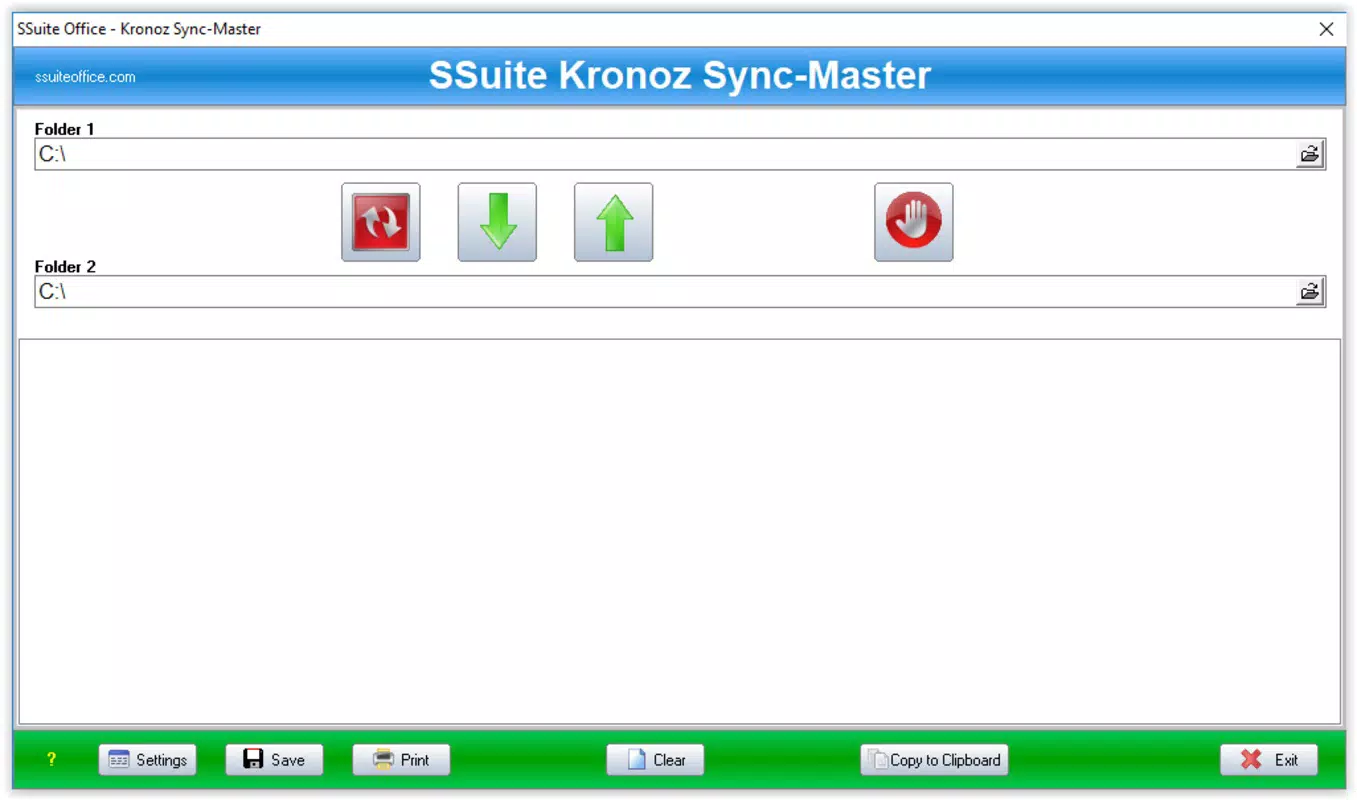
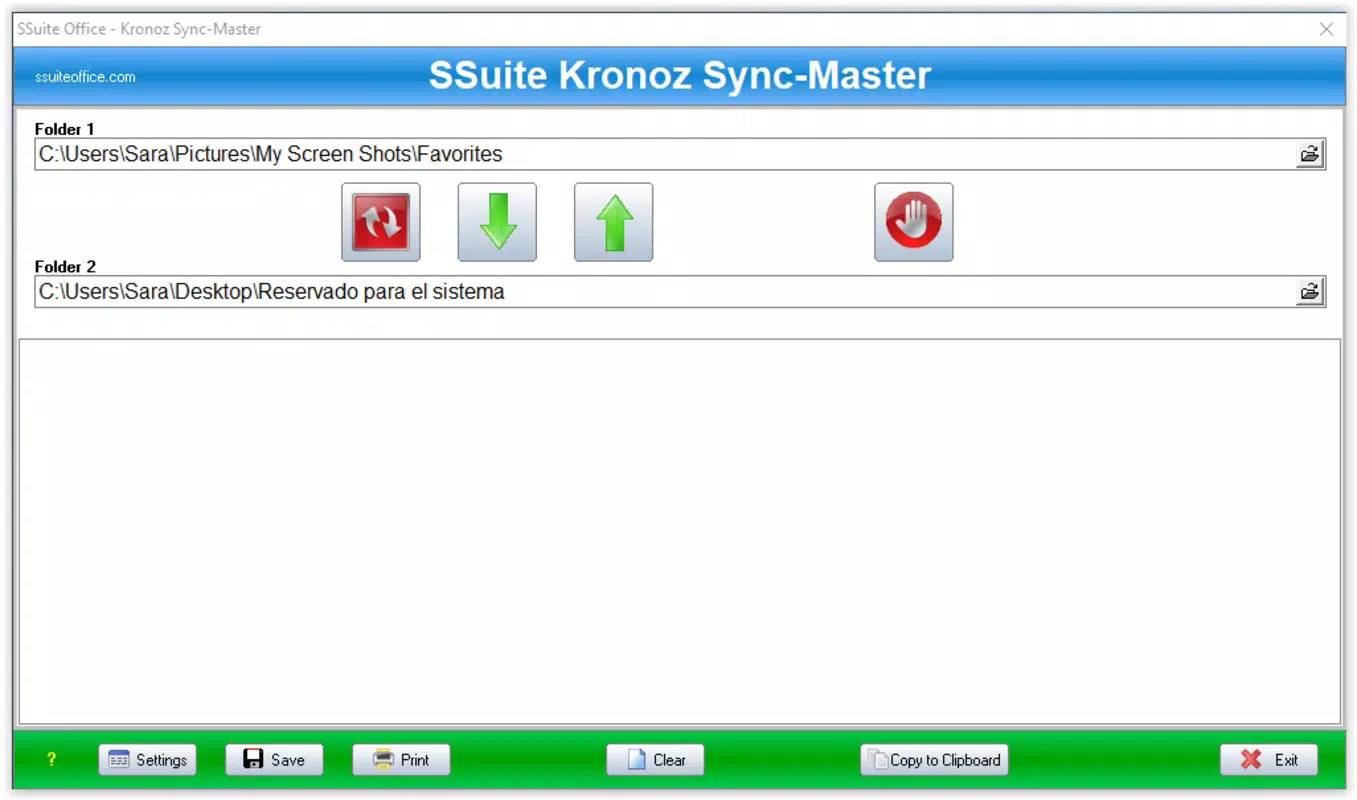
- Efficient File Synchronization: The application enables two-way or one-way synchronization between folders, ensuring both locations contain identical file sets. Directional controls clearly indicate the flow of data, simplifying the process for users.
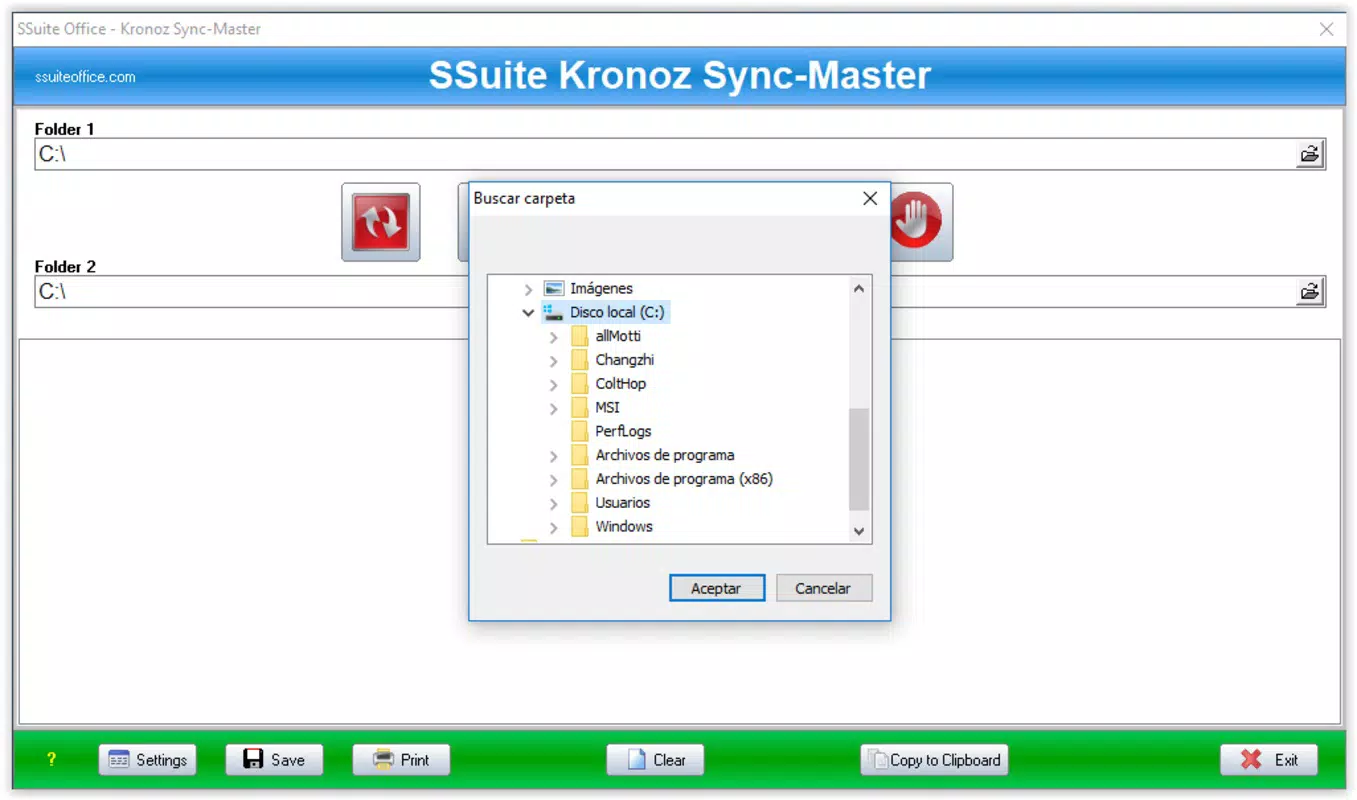
- Simple Folder Selection: Users can designate source and destination folders through a straightforward selection bar. This visual distinction reduces errors and streamlines the setup process, especially when working with frequently used directories.
- Automated Backup Creation: The tool automatically detects new files and incorporates them into the backup or sync process, maintaining up-to-date copies without manual intervention.
- Versatile File Handling: Support for a wide range of file types makes the application suitable for managing documents, images, audio, and other common formats across personal and professional workflows.
For example, a user managing a photography portfolio can use the app to sync newly added images from a camera’s memory card to a cloud folder while preserving the original date-based folder structure. Similarly, a team member can synchronize project files between a local drive and a shared network folder, ensuring all collaborators access the most current version.
Interface, UX & Performance
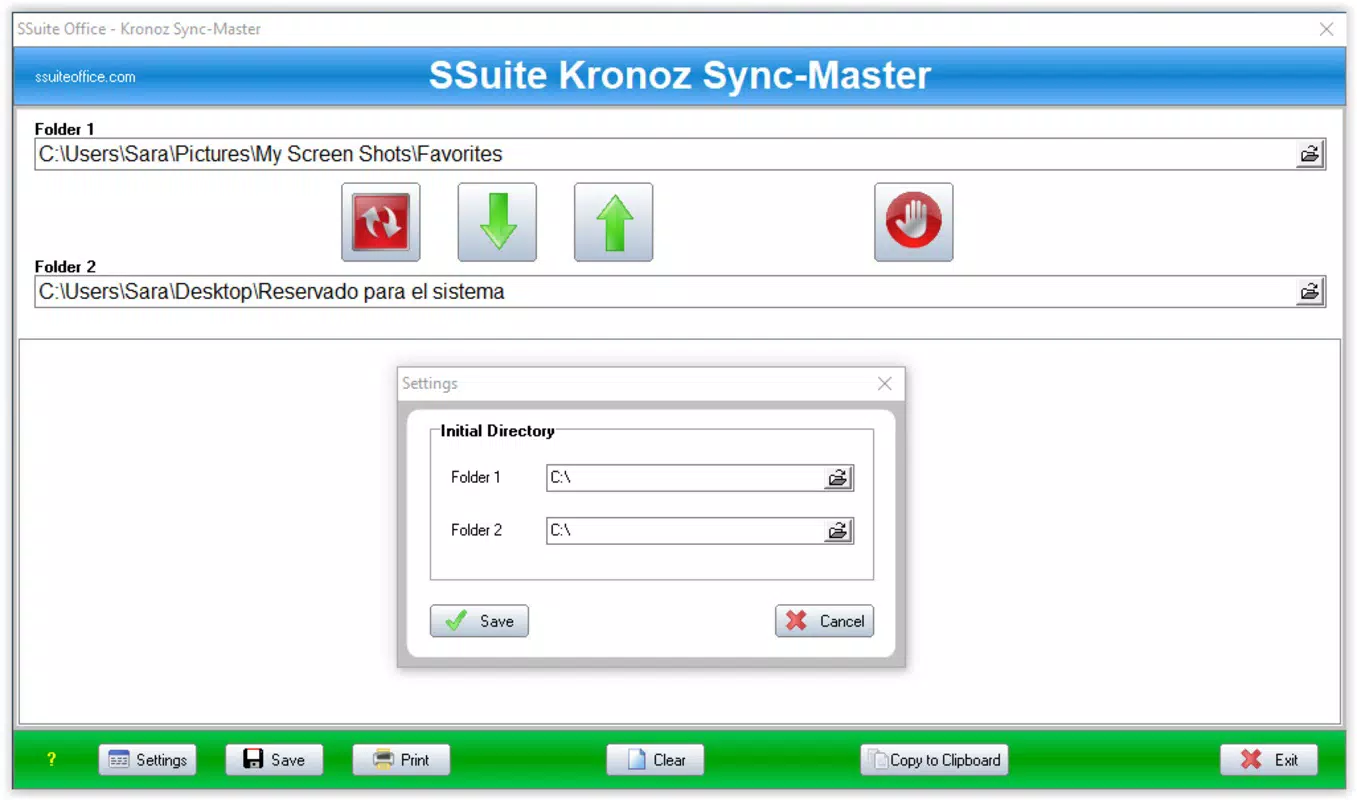
The user interface of SSuite Kronoz Sync-Master is designed with simplicity and clarity in mind. It features a clean layout with clearly labeled controls, minimizing visual clutter and enhancing usability. Navigation is linear and predictable, with primary actions—such as folder selection, sync initiation, and backup configuration—accessible through easily identifiable buttons and menus.
Visual design emphasizes functionality over aesthetics, using standard UI elements that are familiar to most users. This approach ensures that the application remains accessible across different skill levels and reduces the likelihood of user errors during operation. The layout supports efficient workflow progression, allowing users to complete sync tasks in minimal steps.
Although the developer did not list formal performance metrics, the application’s lightweight nature suggests it operates efficiently on a range of hardware configurations. It is likely to perform well on devices with standard processing power and memory, making it suitable for older systems or low-resource environments. Responsiveness appears to be consistent during typical use, with minimal lag during folder scanning and file transfer operations.
Stability is a key aspect of the user experience. The tool appears to handle file operations reliably, with no reported issues related to crashes or data corruption. However, specific requirements for device performance or system compatibility were not disclosed by the developer.
Platform Compatibility & Technical Requirements
SSuite Kronoz Sync-Master is available for Windows operating systems. The application supports the Windows platform, though specific OS versions were not listed. The file size is reported as 3.2 MB, indicating a lightweight installation that requires minimal disk space.
The software version and release date are known: the app was released on July 31, 2018. However, the developer did not specify minimum OS requirements or hardware specifications. Compatibility information was not fully disclosed, so users should exercise caution when installing on systems with outdated or non-standard configurations.
Given the app’s small size and focus on file operations, it is likely optimized for older Windows systems. However, without official details, users should verify compatibility with their specific setup before installation.
Pros and Cons
Pros
- Simple, intuitive interface suitable for users of all experience levels.
- Preserves original folder structure during synchronization and backup.
- Supports a wide variety of file types for versatile use.
- Lightweight application with minimal system resource usage.
- Automated backup and sync functionality reduces manual effort.
Cons
- Developer did not provide detailed system or OS compatibility information.
- No visible update history or version changelog was shared.
- Specific performance benchmarks or technical specifications were not listed.
- Limited to Windows platform; no information on mobile or cross-platform availability.
- No integration with cloud storage services was mentioned.
FAQ
Is SSuite Kronoz Sync-Master safe to download and install?
The application is designed as a standalone tool for file synchronization and backup. It does not require external dependencies or administrator privileges for basic operations. However, users should ensure they download the software from official or trusted sources to avoid potential security risks.
Can I use SSuite Kronoz Sync-Master on older Windows systems?
While the app’s small file size suggests compatibility with older systems, the developer did not specify minimum OS requirements. Users are advised to test the application on their system before full deployment.
Does the app support cloud storage integration?
There is no information indicating that SSuite Kronoz Sync-Master integrates with cloud platforms such as Google Drive, Dropbox, or OneDrive. It operates exclusively on local or networked file systems.
How often can I run synchronization tasks?
The application allows users to initiate sync operations manually. There is no built-in scheduling feature mentioned, so synchronization must be triggered by the user each time.
Is the software free to use?
The pricing information was not provided in the available data. Users should refer to the official source for details on licensing, availability, and potential costs.
Final Thoughts
SSuite Kronoz Sync-Master presents a reliable, no-nonsense solution for users seeking efficient file synchronization and backup capabilities. Its clean interface and focus on preserving folder structure make it an ideal tool for individuals and teams managing digital content across multiple locations. While it lacks advanced features like automation scheduling or cloud integration, its simplicity and lightweight design offer a stable foundation for consistent data management.
For users who prioritize clarity, speed, and data integrity over complex functionality, this app delivers tangible value. It is particularly well-suited for those managing personal media libraries, academic projects, or small business files without the need for extensive technical setup.
Despite the absence of detailed compatibility and update information, the app’s long-standing presence in the market suggests a degree of reliability. For those in need of a straightforward synchronization tool, SSuite Kronoz Sync-Master remains a practical choice.
Download SSuite Kronoz Sync-Master now


